
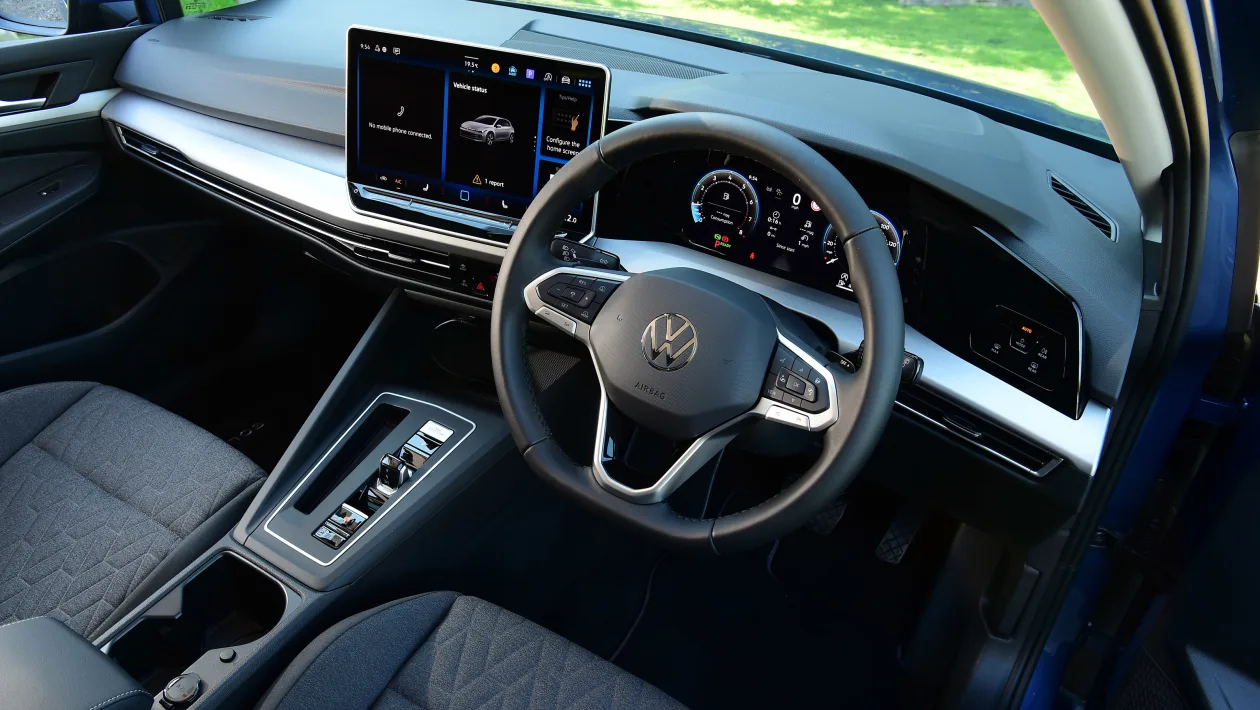
Activate your Volkswagen’s wiper service mode in three simple steps to easily lift the wipers into the service position. This feature is designed to help you clean, inspect, or replace your wiper blades safely and conveniently, ensuring clear visibility and safe driving in all weather conditions. Whether your Volkswagen uses a keyless start or a traditional key ignition, follow the instructions below to put your wipers in service mode quickly and correctly.
Activating Wiper Service Mode on Volkswagen Models with Keyless Start
- Enter Ignition Mode:
Press the START button once without pressing the brake pedal. This will power up the vehicle’s electrical systems without starting the engine. Wait for about 5 seconds, then press the START button again to turn the vehicle completely off. - Activate Wiper Service Mode:
Within 10 seconds of turning off the vehicle, push the wiper stalk downward (to the “MIST” position) and hold it for about 2-3 seconds. The wipers will move into an upright position on the windshield, indicating that service mode is active. - Return to Normal Operation:
Once you’ve finished servicing the wiper blades, start the vehicle as usual and briefly activate the wipers by pushing the wiper stalk downward. The wipers will sweep across the windshield and return to their normal resting position.
How to Enable Wiper Service Mode on Volkswagen Vehicles with Traditional Key Ignition
- Turn the Ignition to the ON Position:
Insert the key and turn it to the ON position (but do not start the engine). Wait for about 5 seconds, then turn the key back to the OFF/LOCK position and remove it from the ignition. - Activate Wiper Service Mode:
Within 10 seconds of turning off the ignition, push the wiper stalk downward (to the “MIST” position) and hold it for about 2-3 seconds. The wipers will move into an upright position on the windshield, indicating that service mode is active. - Return to Normal Operation:
Once you’ve completed your maintenance, start the vehicle as usual and briefly activate the wipers by pushing the wiper stalk downward. The wipers will sweep across the windshield and return to their normal resting position.
Volkswagen’s wiper service mode exemplifies the brand’s commitment to practical innovation, making vehicle maintenance straightforward and efficient. By enabling this mode, you can quickly replace or clean your wiper blades without hassle, ensuring your Volkswagen’s windshield wipers perform optimally for safe driving in any conditions.
Check the video below for additional help.
